
|
Main Page Forums Support
UPLOADING AVATARS IN GRASSGAMES' HEARTS

Follow these steps to get your Avatar (player picture) to show up on public network games.
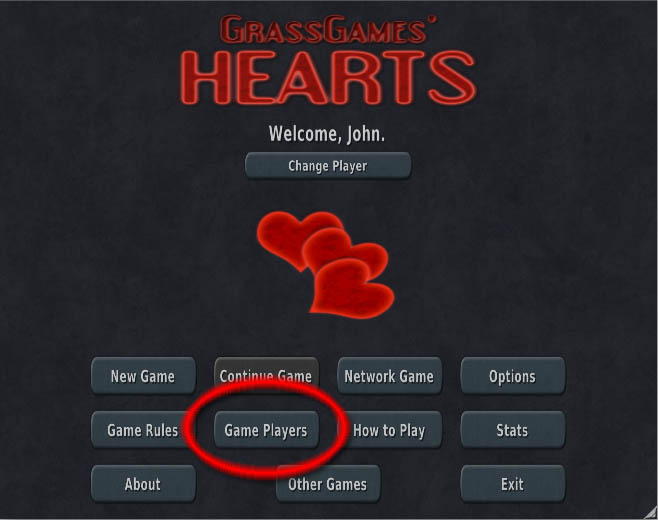
1) Go to the "Game Players" screen within the game
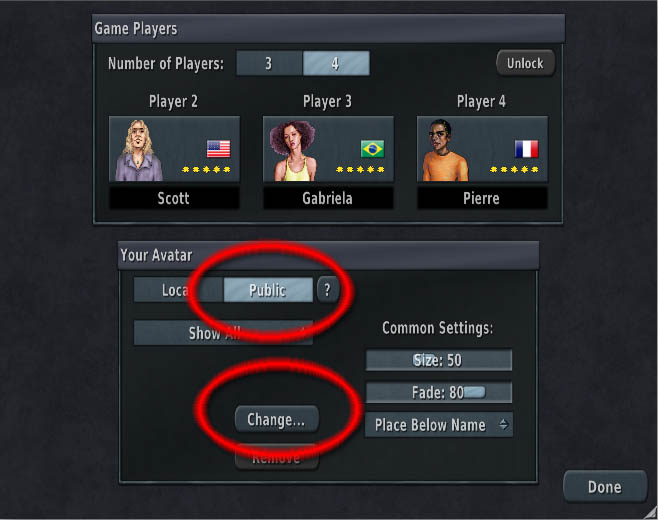
2) Select "Public" then "Change"
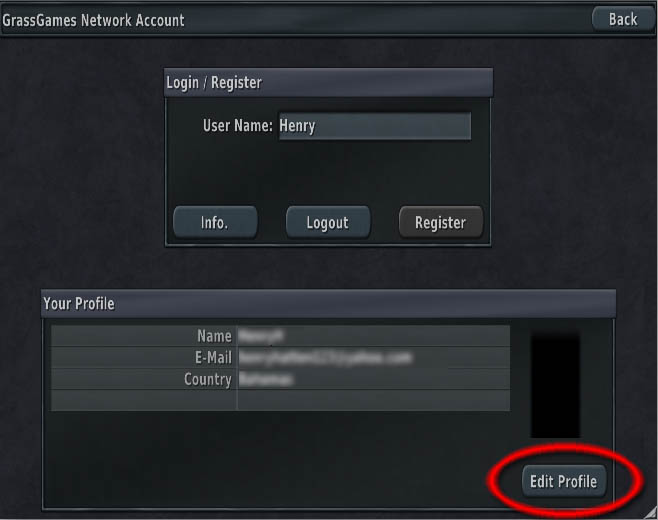
3) You should already be logged in to your GrassGames Account at this stage.
If you are not, go here instead for instructions.
4) Click "Edit Profile"
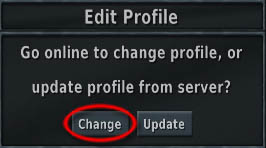
5) Select "Change" - this will direct you to your web browser.
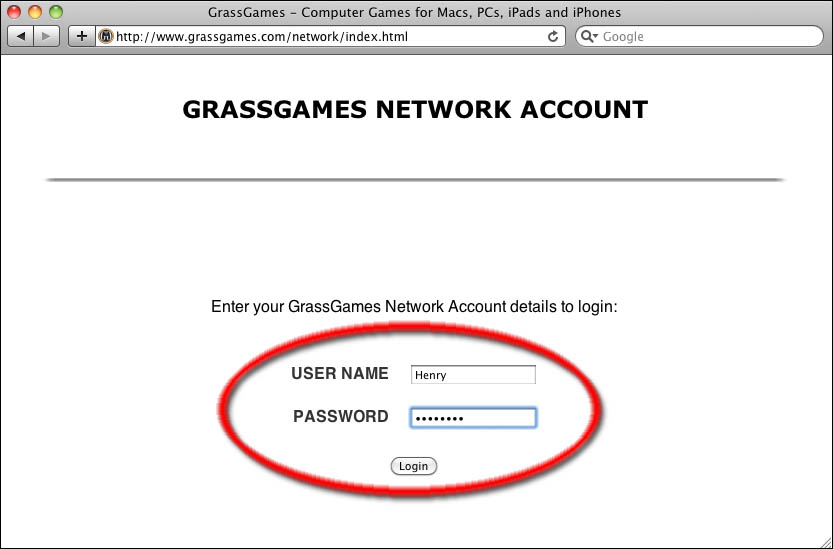
6) Login online using your GrassGames Account details
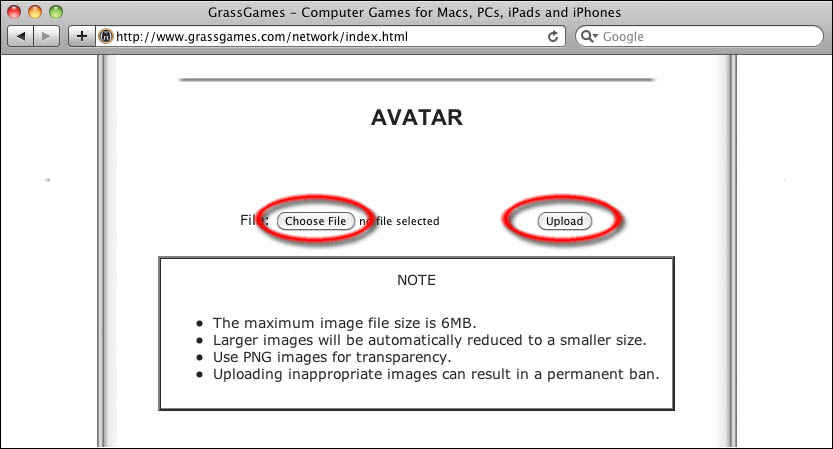
7) In the "AVATAR" section select "Choose File" and select an image on your computer, then press "Upload".
9) You should have gotten the message "Your avatar has been uploaded successfully!".
You can now close your web browser and return to the game.
9) Repeat Steps 1 and 2 if needed to get to your profile window within the game.
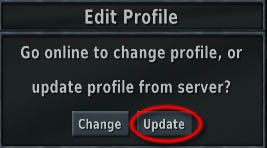
10) Select "Edit Profile" again:
11) This time select "Update":
12) Your Avatar should now be displayed within the game.